Limited-time offer: Get 60% off for 3 months. Buy now & save
60% Off for 3 Months Buy now & save


Create Checkout Links. Get Paid Anywhere.

Try It Free
No credit card required. Cancel anytime.
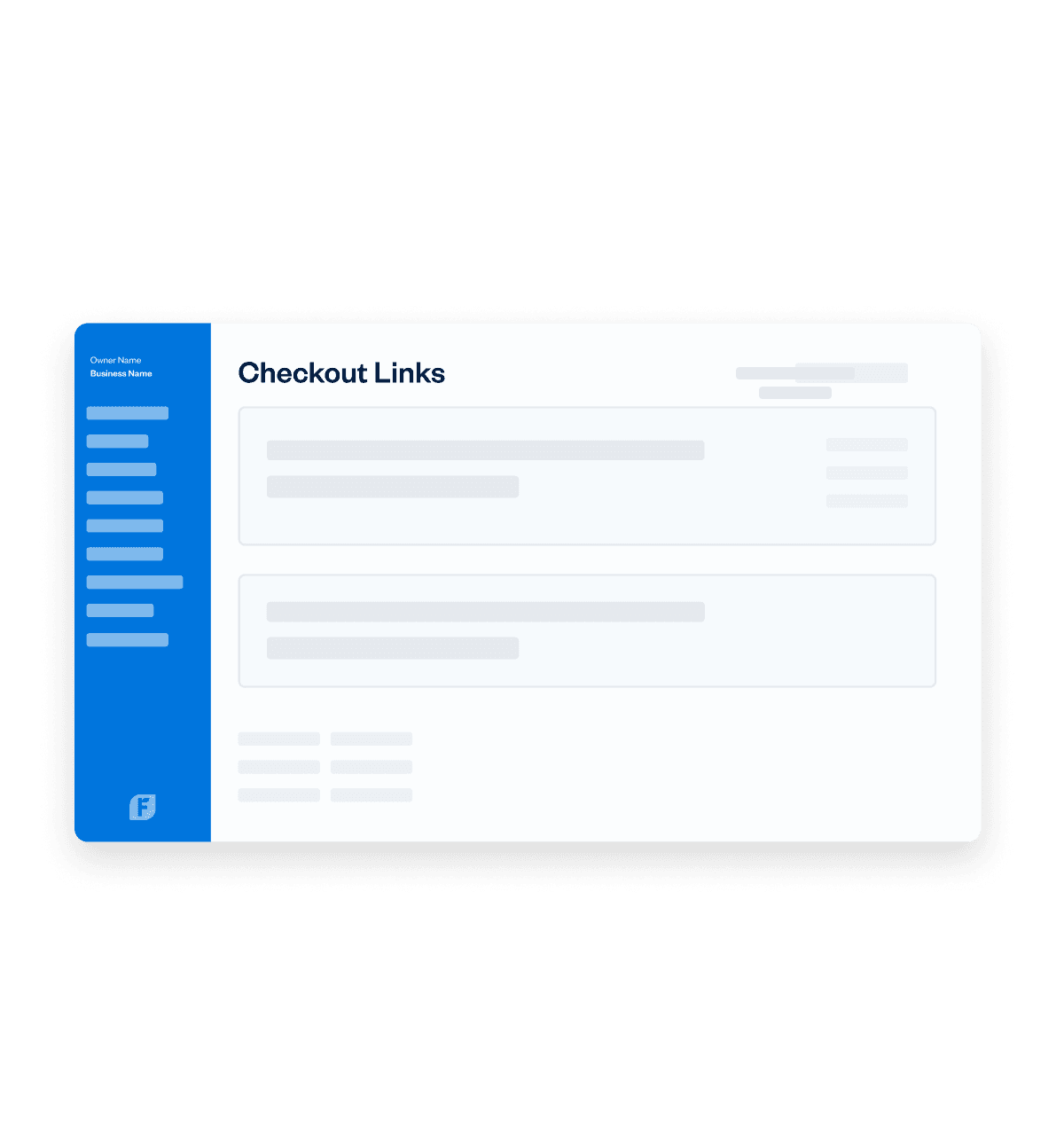




Perfect for Businesses That Love to Get Paid
Products
From honey-infused hot sauce to online webinars - use a payment link to collect from multiple customers for any product.
Try It FreePerfect for Businesses That Love to Get Paid
From honey-infused hot sauce to online webinars - use a payment link to collect from multiple customers for any product.
Try It FreeAdvanced Payments: a better virtual terminal
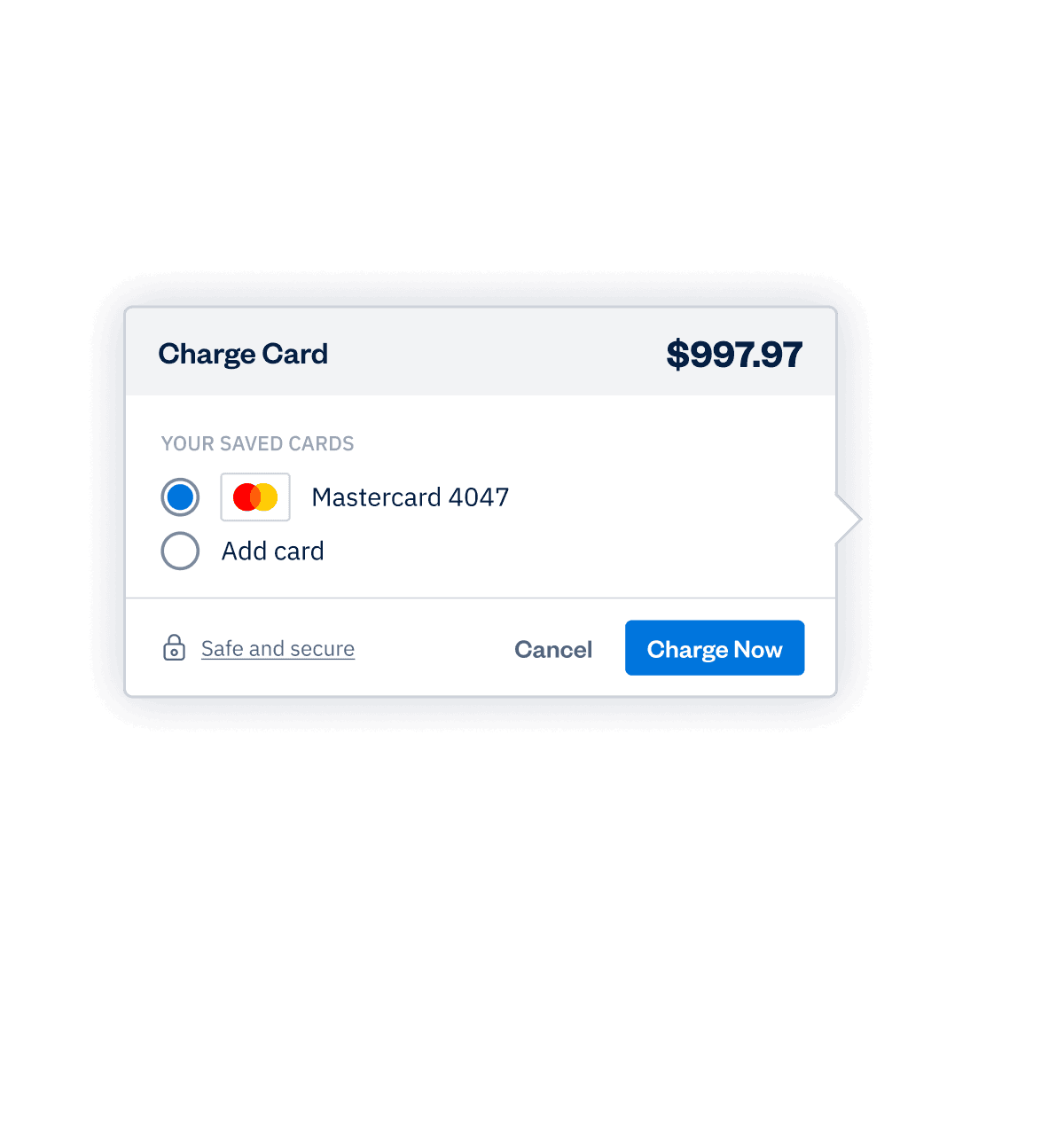
Take payments however you work: online, in person, or over the phone.
Learn More- Securely save client cards on file for future billing.
- Set up automated recurring billing profiles for repeat services.
- Create subscription-based client profiles with predictable, automatic payments.
Set up online payments in a single click
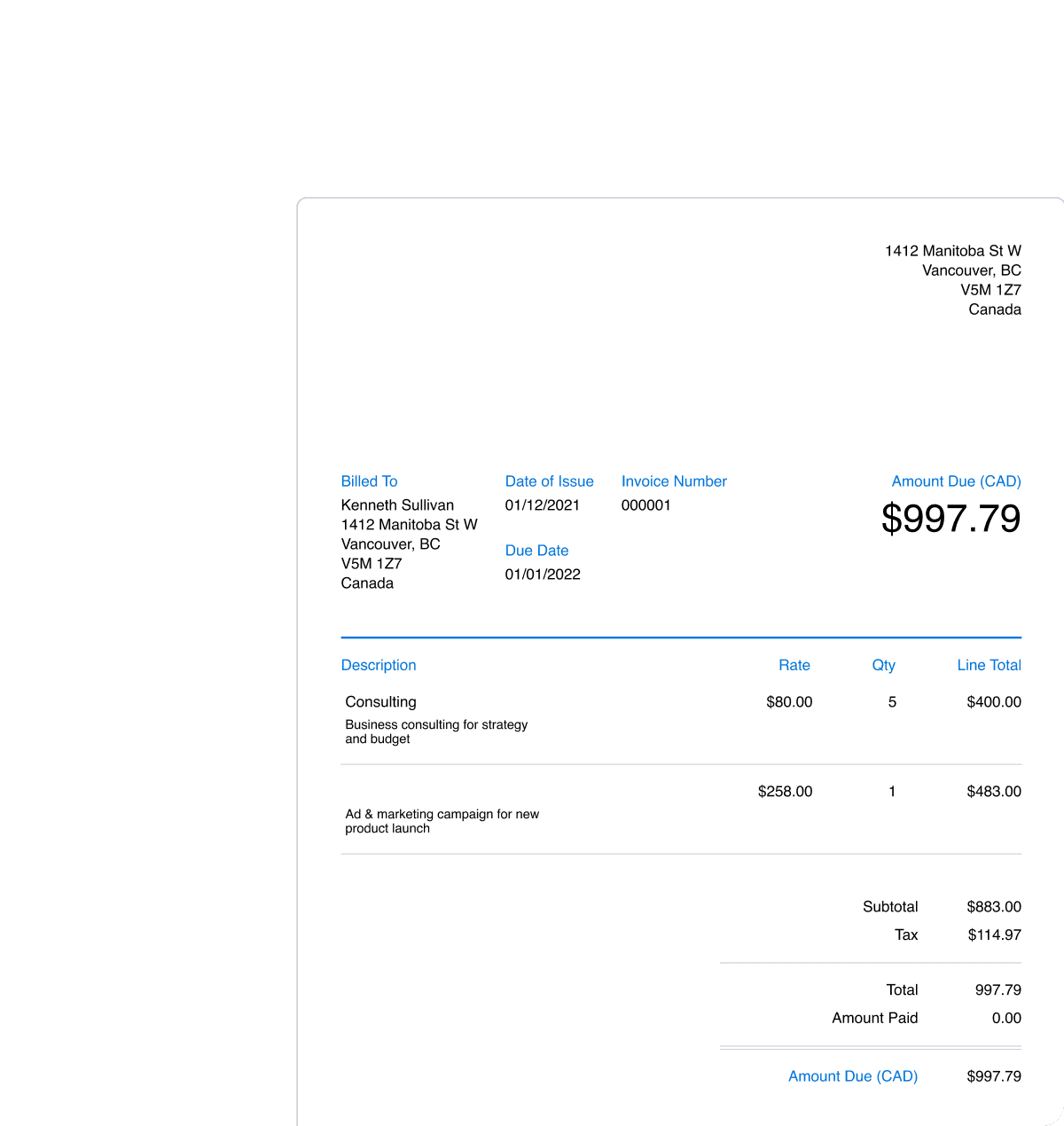
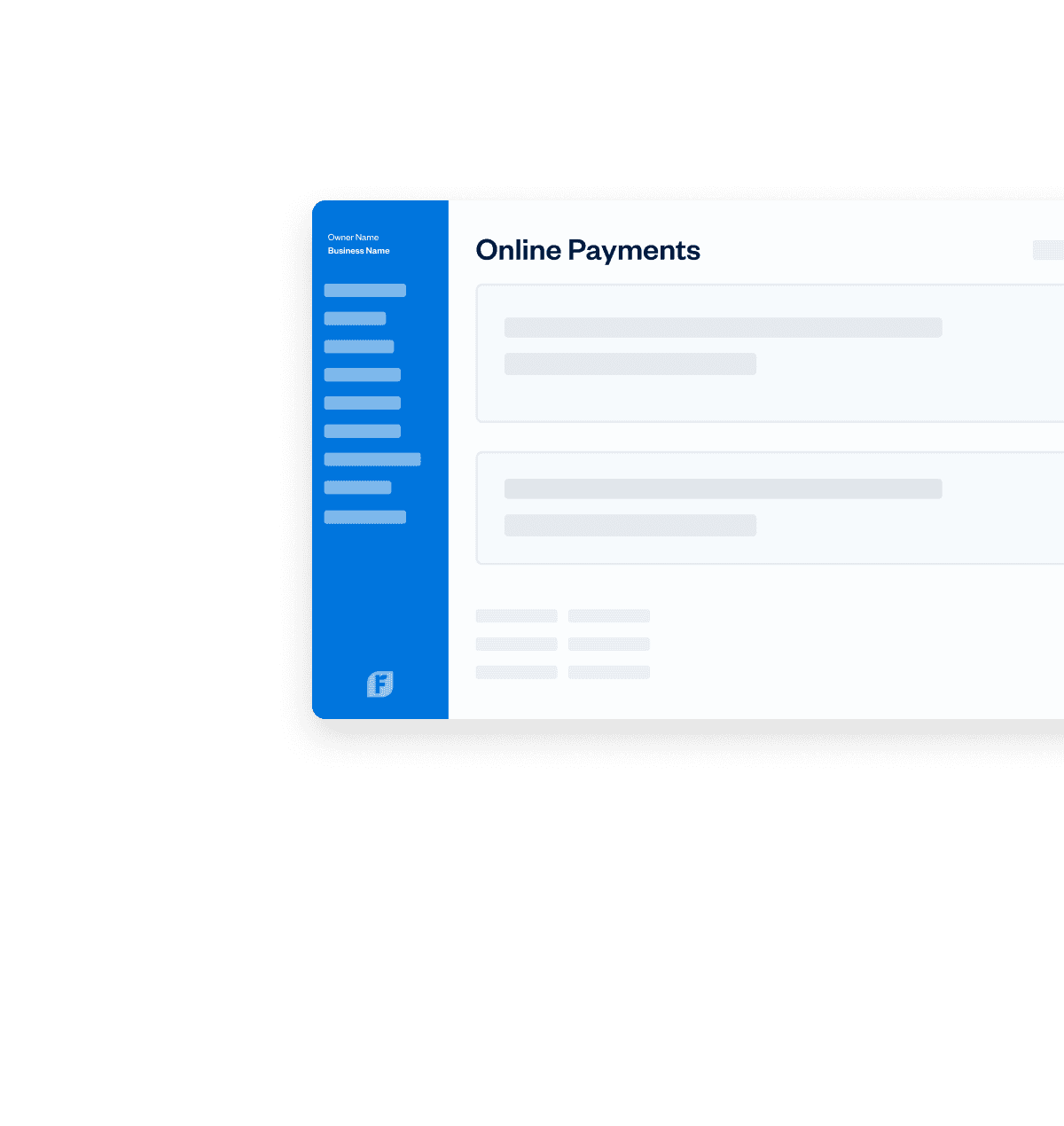
One click is all that’s needed to accept credit and debit card payments right on invoices. Then it’s just a few more steps, so FreshBooks deposits your money into the right account. Fast and easy, just like you’d expect.
Try It FreeCheckout links: Accept payments…fast!
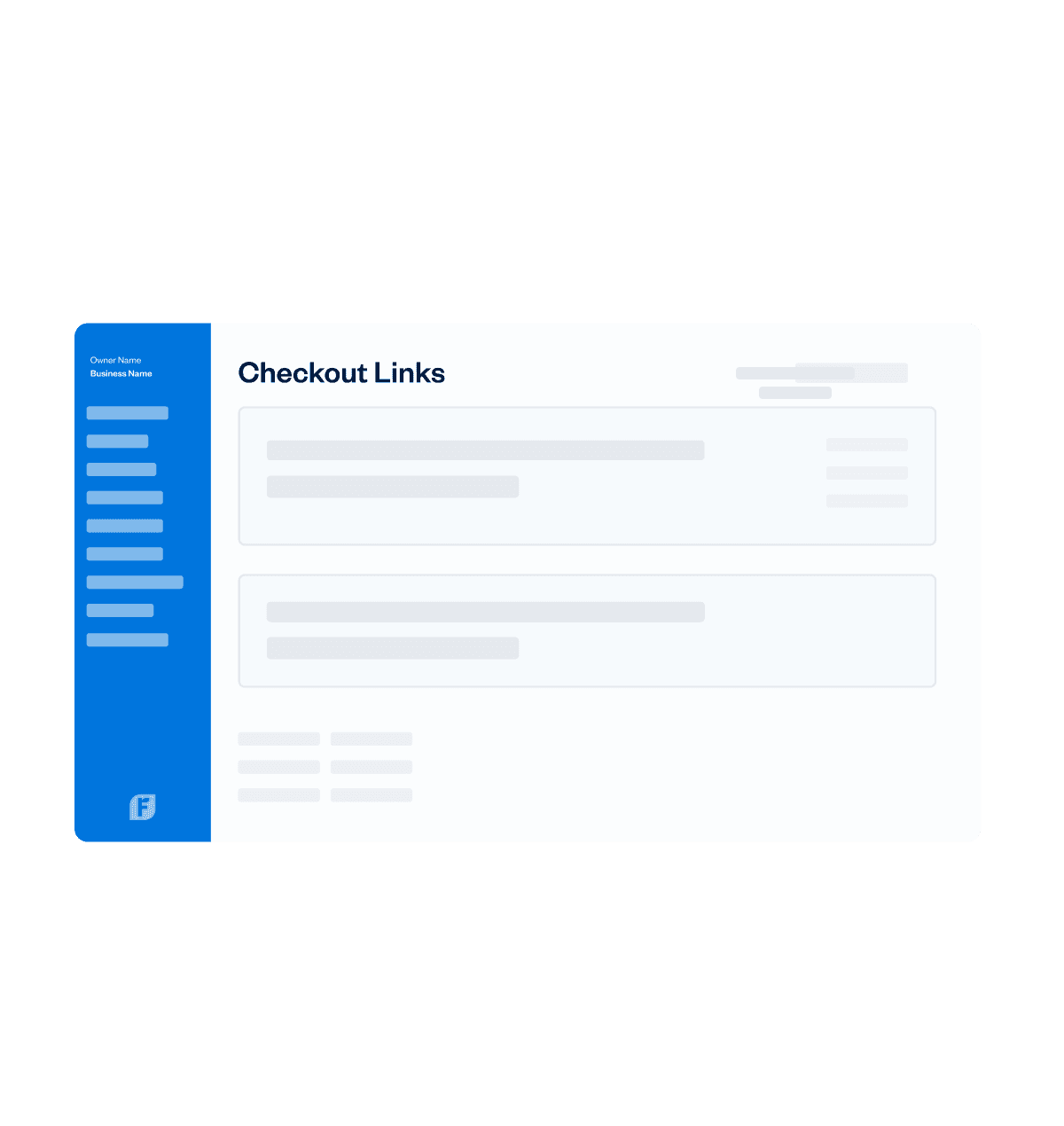
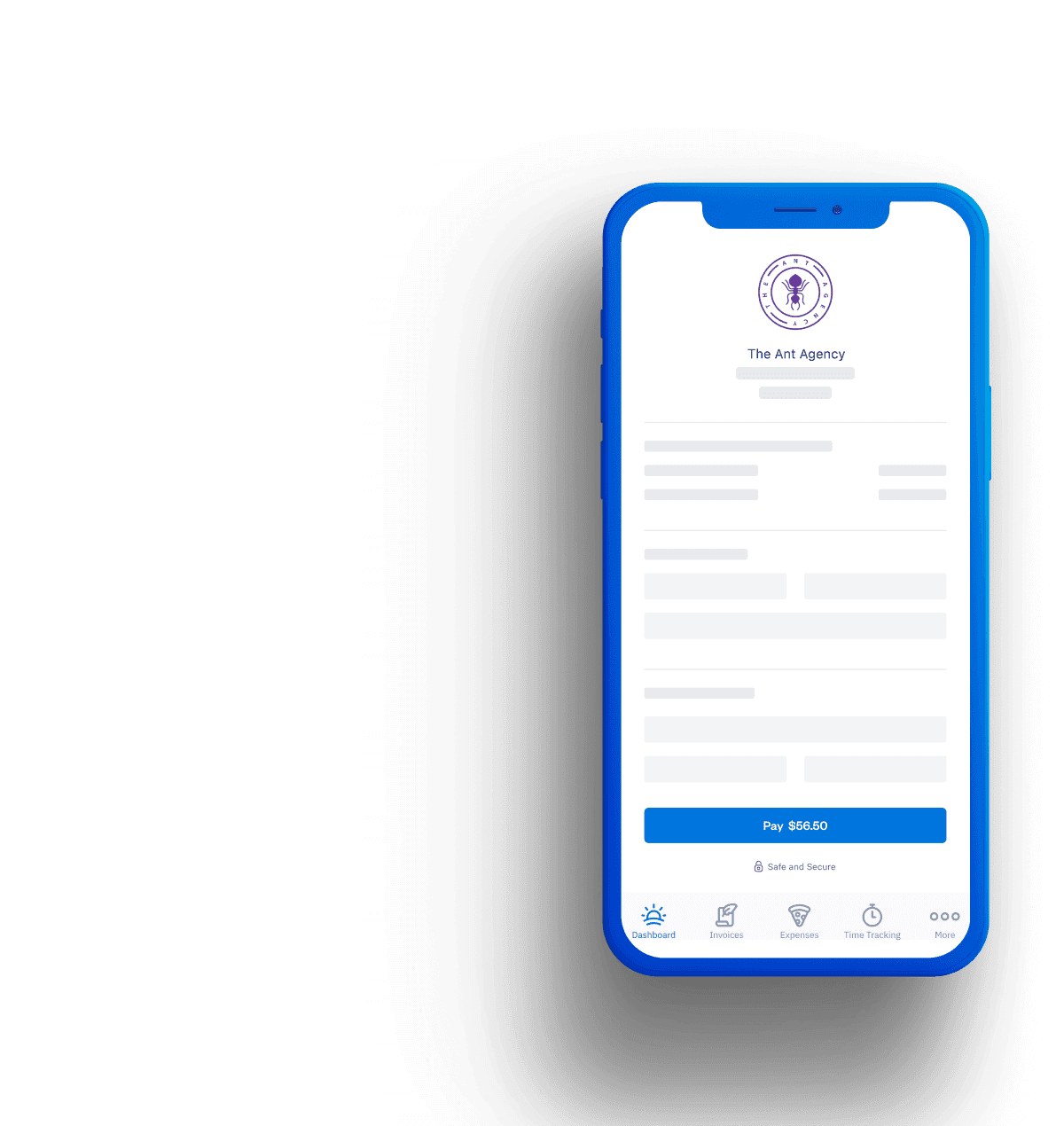
Add Checkout Links to your website, social profiles, or anywhere else online so customers can click and pay in just a few steps.
Learn More- Get paid without creating an invoice.
- Accept credit cards and bank transfers online.
- Automatically send receipts and record payments in FreshBooks.
Customers Can Pay From (Almost) Anywhere
If a customer has access to the internet – they can pay via Checkout Links. They’re super flexible, convenient, and can be posted almost anywhere.
- On Your Website - Create a button on your site with a payment link behind it, and drive actions like “Buy Now”.
- In Texts or Emails - Embed the link in an automated text message or send it through a branded email campaign.
- Through Social - Generate a link in seconds and post it on social media or wherever you interact with customers.
Advanced Payments: a better virtual terminal
Take payments however you work: online, in person, or over the phone.
Learn More- Securely save client cards on file for future billing.
- Set up automated recurring billing profiles for repeat services.
- Create subscription-based client profiles with predictable, automatic payments.
Set up online payments in a single click
One click is all that’s needed to accept credit and debit card payments right on invoices. Then it’s just a few more steps, so FreshBooks deposits your money into the right account. Fast and easy, just like you’d expect.
Try It FreeCheckout links: Accept payments…fast!
Add Checkout Links to your website, social profiles, or anywhere else online so customers can click and pay in just a few steps.
Learn More- Get paid without creating an invoice.
- Accept credit cards and bank transfers online.
- Automatically send receipts and record payments in FreshBooks.
Customers Can Pay From (Almost) Anywhere
If a customer has access to the internet – they can pay via Checkout Links. They’re super flexible, convenient, and can be posted almost anywhere.
- On Your Website - Create a button on your site with a payment link behind it, and drive actions like “Buy Now”.
- In Texts or Emails - Embed the link in an automated text message or send it through a branded email campaign.
- Through Social - Generate a link in seconds and post it on social media or wherever you interact with customers.

Advanced Payments: a better virtual terminal
Take payments however you work: online, in person, or over the phone.
Learn More- Securely save client cards on file for future billing.
- Set up automated recurring billing profiles for repeat services.
- Create subscription-based client profiles with predictable, automatic payments.
Set up online payments in a single click
One click is all that’s needed to accept credit and debit card payments right on invoices. Then it’s just a few more steps, so FreshBooks deposits your money into the right account. Fast and easy, just like you’d expect.
Try It FreeCheckout links: Accept payments…fast!
Add Checkout Links to your website, social profiles, or anywhere else online so customers can click and pay in just a few steps.
Learn More- Get paid without creating an invoice.
- Accept credit cards and bank transfers online.
- Automatically send receipts and record payments in FreshBooks.
Customers Can Pay From (Almost) Anywhere
If a customer has access to the internet – they can pay via Checkout Links. They’re super flexible, convenient, and can be posted almost anywhere.
- On Your Website - Create a button on your site with a payment link behind it, and drive actions like “Buy Now”.
- In Texts or Emails - Embed the link in an automated text message or send it through a branded email campaign.
- Through Social - Generate a link in seconds and post it on social media or wherever you interact with customers.
How Exactly Do Checkout Links Work?
Creating profit and loss statements is easy with the free template from FreshBooks! It can be broken down into 6 simple steps:
1
Choose a format
First, choose the P&L statement format that is most useful for you and your business’s needs.
2
Download the template
Next, download your free profit and loss statement template of choice in seconds from the FreshBooks website.
3
Enter revenue
You’ll be prompted to enter revenue information in the relevant field—keep your financial records on hand for this part.
Frequently Asked Questions